01
Test the task with the people who perform it
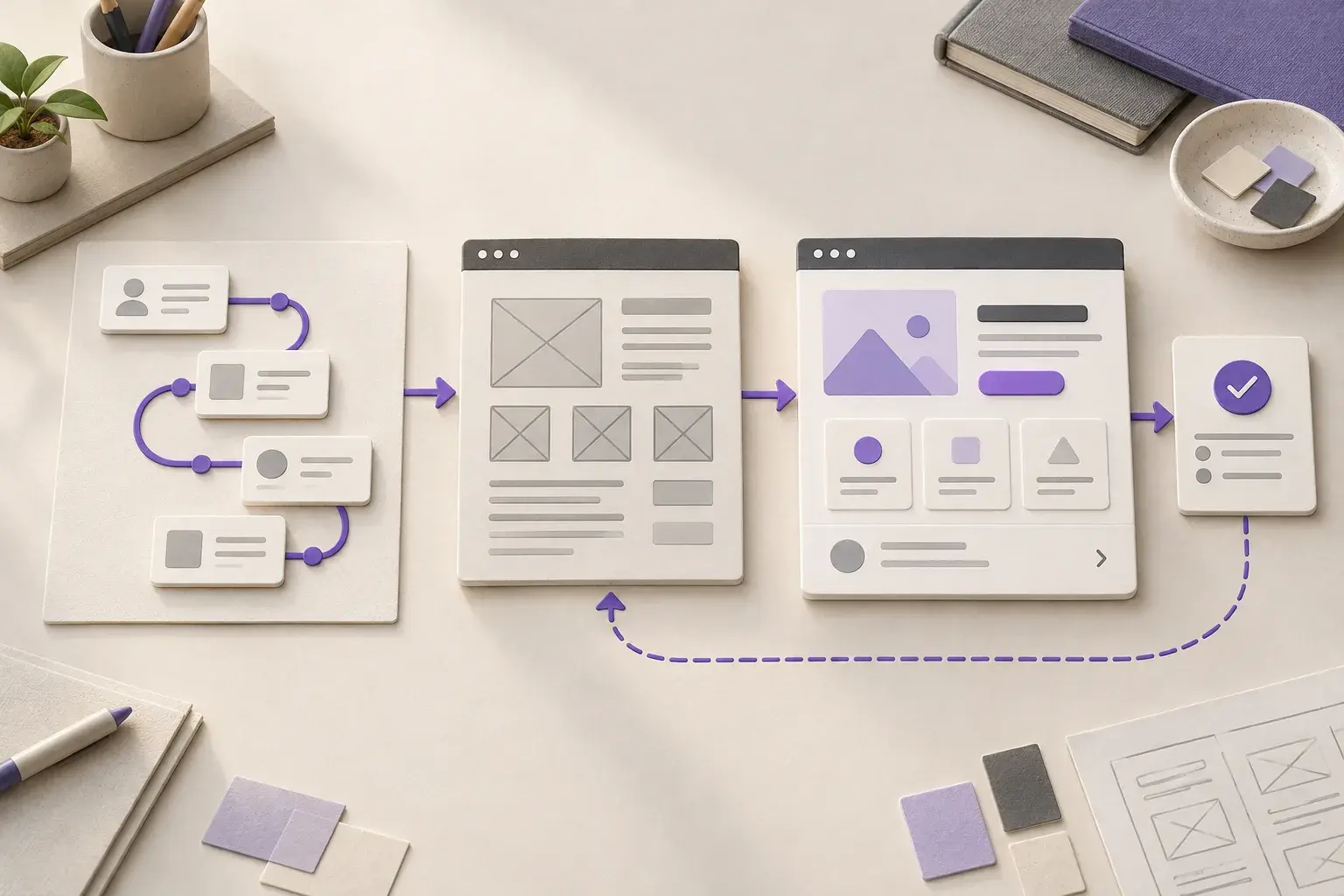
A prototype should let a user complete the important sequence, including an incomplete request or an unexpected value. Watch where they pause, what information they look for and how they recover from a mistake. Those observations turn a visual direction into a practical design.
For custom applications, a reviewed workflow gives development a clearer starting point. Field and mobile interfaces also need to account for screen size, connectivity and the conditions in which someone uses the device.
02
Make automated information easy to review
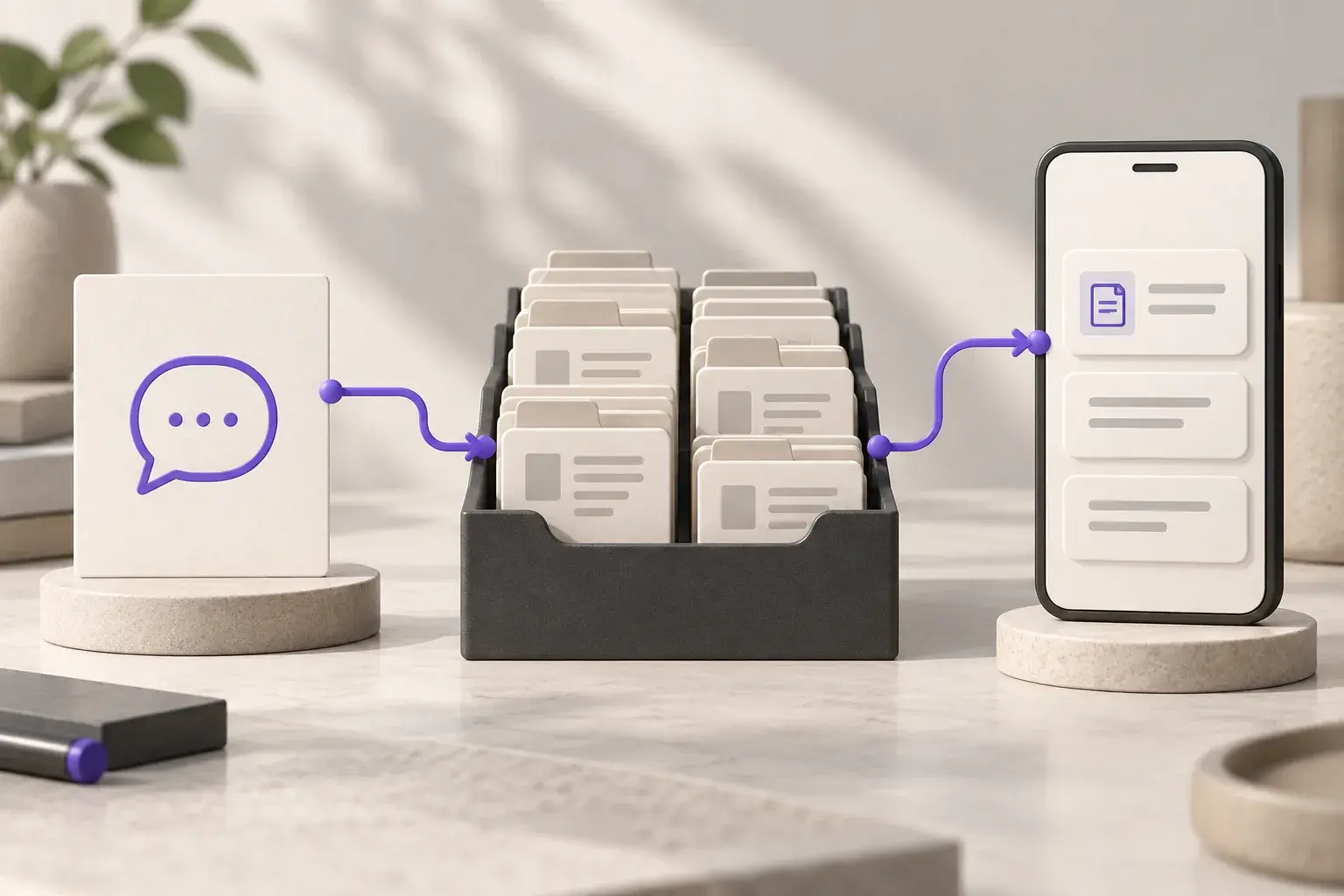
When software extracts a field or suggests a next step, show the context a person needs to check it. A document screen may place the original beside the extracted values. An approval screen needs clear actions for accepting, correcting or returning a request.
These review points are part of business process automation. Designing them early helps the team understand what the system can complete and where their judgement is required.