Business Process Automation

Custom automation tools for recurring business tasks

Turn a repeated conversion, check, calculation or reporting task into a focused tool. We define its inputs and rules, connect the systems it needs and test the output against examples from your work.

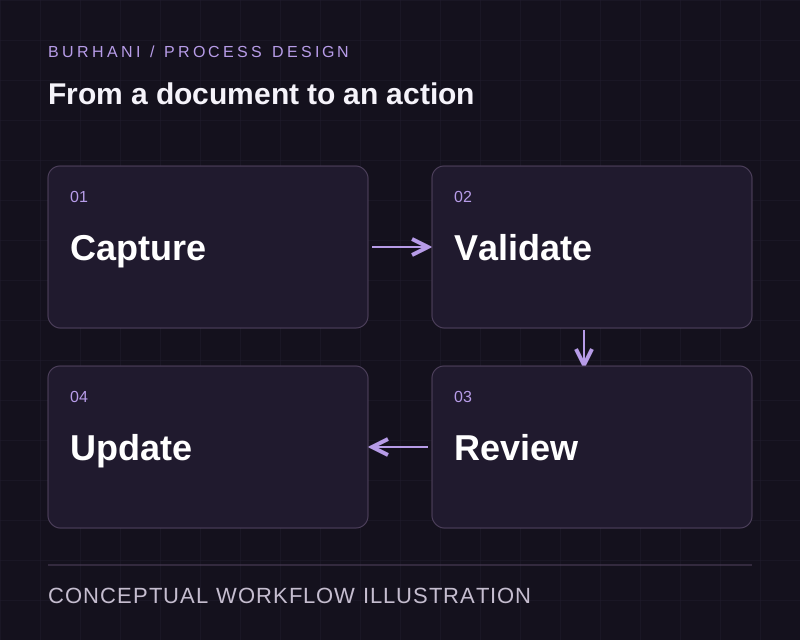
Conceptual process illustration for Custom Automation Tools
  • Built for one job, properly
  • Yours, with the source

The starting point

When an essential task falls between existing systems

We evaluated four tools and each one does eighty percent of it.

The remaining requirements may depend on your own files, calculation rules or approval steps. Compare the cost of configuring the existing product with a focused tool for that part of the task.

One person has a spreadsheet with macros that nobody else can open.

It works, it is undocumented, and it is a single point of failure the business has quietly come to depend on.

What the work includes

Define the input, checks and output of one useful tool

We use representative inputs, expected outputs and difficult cases to define the tool. The scope stays centred on the recurring task, with validation and error handling made explicit. We agree how the team will run it and maintain its rules after delivery.

Explore the delivery process
Data processing and transformation

Taking files or feeds in the shape you receive them and producing the shape your system needs, on a schedule.

Report and document generation

Producing the recurring document that is currently assembled by hand, from live data, in the format the recipient expects.

File and batch handling

Watching a folder or a mailbox, validating what arrives, and moving it on with the exceptions flagged.

Calculation engines

The pricing, costing or allocation logic specific to your business, out of a spreadsheet and into something testable.

Replacing a critical spreadsheet

Taking the macro workbook one person maintains and turning it into a tool the team can use and someone else can maintain.

Define the task through examples

Bring a typical input, the expected output and a few cases that make the work difficult. A file conversion, validation check or report assembly needs explicit rules and a way to identify incomplete records. Keeping the scope contained makes the result easier to test and maintain.

A tool may replace spreadsheet logic or connect to another application. Integration services handles the connection when records need to move between systems.

Use interpretation only where it helps

Free-text requests may need classification before a tool can act on them. AI can be considered for that interpretation, with a person reviewing uncertain cases. Calculations and eligibility rules should remain explicit and testable.

If the task grows into several approvals and handoffs, workflow automation provides the wider routing. Agree who maintains the rules and how changes will be reviewed after the tool is in use.

From discovery to support

From task definition to a tested tool

Discuss your requirements
  1. 01Discovery

    We walk your current workflow with the people who run it and record where work stalls, duplicates or waits.

  2. 02Scope and quote

    A fixed price and a dated plan, issued after discovery. Payment runs against milestones.

  3. 03Design

    Review the proposed workflow, interfaces and data requirements before implementation. The design work follows the scope of the project.

  4. 04Build and review

    Implement the agreed scope in short cycles, review the changes and test the behaviour with representative records and exceptions.

  5. 05Integrate and release

    Test the required connections, confirm acceptance with your team and release according to the agreed rollout plan.

  6. 06Support

    The team that built it handles updates, integrations and support calls after go-live.

How we can work together

Projects here typically run between USD 7,500 and USD 15,000 or above, depending on scope. We quote a fixed price after discovery and bill against milestones.

Fixed price

Fits when: Scope is clear and agreed after discovery

Billing: Milestone payments against a dated plan

Dedicated team

Fits when: Scope will evolve, and you want capacity reserved

Billing: Monthly, per named engineer

Support retainer

Fits when: The system is live and needs changes and cover

Billing: Monthly, with an agreed response window

Questions about Custom Automation Tools

How small can a project be?

Small. A single tool replacing one recurring manual task is a real engagement and sits well below our typical project range. We would rather build a narrow thing that works than talk a small requirement into a platform.

Can you replace a spreadsheet somebody built years ago?

Yes. We review the formulas, inputs and exceptions with the person who uses the spreadsheet, then define the rules and checks the replacement must preserve.

What if the process changes after you build the tool?

Small tools are cheap to change, which is part of the point. Where a process is still moving we build the changeable parts as configuration rather than hardcoding them, so an adjustment does not need a developer.

Who runs the tool once it is built?

Usually it runs itself, on a schedule, on your infrastructure or ours. Where a person triggers it, we build the simplest possible interface for that, which is often a single screen.

Can these tools connect to our other systems?

Yes, though where the connection is the substantial part of the work it becomes an integration project rather than a tool build. We are clear about which one you are buying before we quote.

Bring us the task your team keeps repeating

A sample input, expected output and a few difficult cases are a useful starting point. We can assess the tool and connections required.